
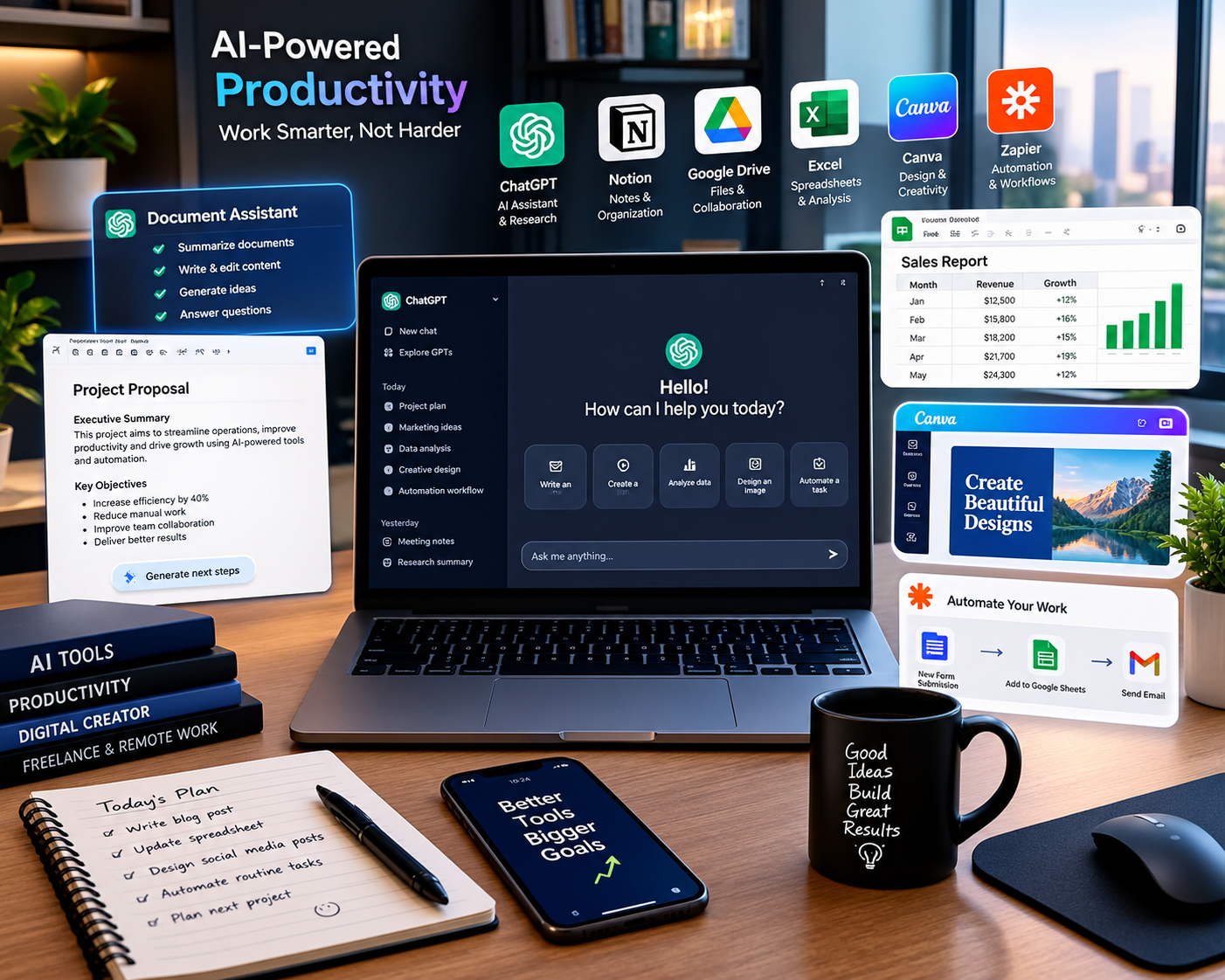
Software is becoming more than a collection of buttons, menus and traditional features. In 2026, many apps are increasingly designed to understand instructions, work with information across different files and applications, and assist users with multi-step tasks.
This shift is particularly visible in productivity, business and creative software. Google is expanding Gemini across Workspace applications, Microsoft is adding deeper Copilot capabilities to Microsoft 365, and Adobe is integrating AI assistants and creative agents into Creative Cloud applications.
The result is a new generation of AI-powered apps and software that can help users write documents, analyze information, organize projects, create presentations, edit images, work with spreadsheets and automate repetitive workflows.
However, these tools also introduce important questions about privacy, accuracy, security, cost and human oversight.
This guide explains what AI-powered apps and software are, how they work, where they are being used, their benefits and limitations, and what users should know before depending on them.
What Are AI-Powered Apps and Software?
AI-powered apps and software are applications that use artificial intelligence to perform tasks that traditionally required more direct human input.
Traditional software generally waits for the user to select commands and perform individual steps. AI-powered software can interpret natural-language instructions and, depending on the application, generate content, analyze information, recommend actions or complete multiple steps.
For example, instead of manually creating a presentation, a user might describe the required presentation and allow an AI assistant to create an initial version.
Similarly, instead of manually searching through several emails and documents, an AI assistant may help summarize relevant information and organize it into a structured document.
This does not mean that AI can independently handle every task. Capabilities vary significantly between applications, plans and accounts, and users still need to review important outputs.
Why AI-Powered Software Is Becoming Important
One of the biggest changes in software is the movement from simple automation toward context-aware assistance.
Many people already use multiple applications throughout a normal workday:
- Documents
- Spreadsheets
- Presentations
- Cloud storage
- Messaging
- Project management
- Design software
- Video editing
- Research tools
The problem is that information is often distributed across these applications.
AI-powered software is increasingly designed to connect information and workflows.
Google’s Workspace Intelligence, for example, is designed to provide a unified understanding across Workspace applications and work context. Google has also introduced capabilities that allow Gemini to perform tasks across Gmail, Drive, Docs, Slides and Chat.
This represents an important change in how productivity software is being designed.
Key Trends in AI Apps and Software in 2026
1. AI Assistants Are Moving Inside Everyday Apps
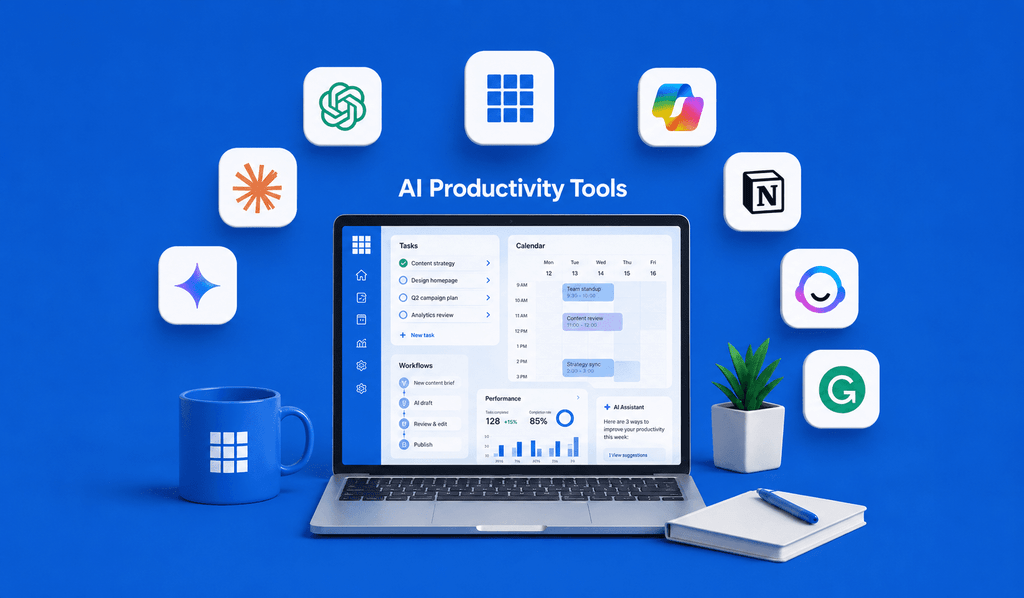
Instead of requiring users to open a separate AI chatbot, software companies are integrating AI directly into the applications people already use.
Microsoft 365 Copilot is available across applications such as Word, Excel, PowerPoint and Outlook, where AI assistance can be used as part of existing workflows.
Google is taking a similar approach with Gemini across Workspace.
This approach can reduce the need to constantly copy information from one application into another.
2. Software Is Becoming More Agentic
Another major development is the growth of agentic software.
An AI assistant traditionally responds to a question or generates content. Agentic systems are designed to handle multiple steps toward a requested outcome.
Google’s September 2026 Workspace updates describe Gemini capabilities that can work across applications and generate documents, presentations and other outputs based on information available in Workspace.
Microsoft is also expanding Copilot capabilities around multi-step workflows and agents.
The practical difference is important.
Instead of asking:
“How do I create this report?”
A user may increasingly be able to say:
“Create a first draft of this report using the latest project information.”
The software can then perform multiple steps before presenting a result for review.
3. AI Is Becoming More Useful for Data Analysis
Spreadsheets are another major area of change.
Microsoft’s August 2026 Copilot release notes show that Copilot in Excel can use Python for advanced data analysis, automation and data transformation, with results returned directly within the workbook.
This can make advanced analytical workflows more accessible to users who may not be experienced Python programmers.
Potential tasks include:
- Data cleaning
- Statistical analysis
- Visualization
- Simulations
- Trend analysis
- Data transformation
- Workbook modifications
However, users should still verify formulas, assumptions and analytical results before using them for important decisions.
4. Creative Software Is Becoming AI-Assisted
AI is also changing creative applications.
Adobe announced an expansion of its creative agent across applications including Photoshop, Premiere, Illustrator, InDesign and Frame.io. Adobe describes the technology as being able to orchestrate multi-step workflows based on the outcome a creator describes.
This means AI is not limited to generating a single image or text response.
It can increasingly assist with workflows involving multiple creative steps.
For designers, marketers and video creators, this could help with tasks such as:
- Preparing creative assets
- Editing images
- Generating variations
- Organizing production workflows
- Adapting content
- Preparing files
- Managing repetitive production tasks
Adobe also offers AI features across Photoshop, Illustrator, Firefly and other creative products.
How AI-Powered Apps Work
Although different applications use different AI models and architectures, the basic workflow often follows a similar pattern.
Step 1: User Provides an Instruction
The user gives the software a natural-language request.
For example:
“Summarize this project information and create a presentation.”
Step 2: The Software Understands the Request
The AI system interprets the user’s instruction and determines what information or actions may be required.
Step 3: Relevant Context Is Retrieved
Depending on the software and permissions, the system may retrieve information from documents, emails, spreadsheets, cloud storage or other connected sources.
Google’s Workspace Intelligence is designed around this type of contextual understanding across Workspace applications.
Step 4: AI Generates or Performs the Task
The system may then:
- Generate text
- Create a document
- Analyze data
- Produce a presentation
- Modify an image
- Organize information
- Suggest actions
- Execute supported workflow steps
Step 5: Human Review
The final step remains extremely important.
AI-generated information can contain mistakes, outdated information or inappropriate assumptions.
Users should review important outputs before publishing, sending or using them for business decisions.
Examples of AI-Powered Software in 2026
The AI software market now covers many different categories.
| Software Category | Example AI Capabilities |
|---|---|
| Productivity | Writing, summaries, task assistance |
| Drafting, coaching, summarization | |
| Spreadsheets | Analysis, formulas, Python-assisted workflows |
| Presentations | Slide creation and content generation |
| Cloud Storage | Search and contextual information retrieval |
| Creative Software | Image editing and creative assistance |
| Video Editing | AI-assisted production workflows |
| Business Software | Agents and workflow automation |
| Communication | Meeting and conversation assistance |
| Development Tools | Code generation and software assistance |
These capabilities vary by provider, product, subscription and availability.
Google Workspace and Gemini
Google Workspace is one of the clearest examples of software moving toward AI-assisted workflows.
In September 2026, Google announced five new agentic capabilities across Workspace applications. Gemini can be prompted from applications including Gmail, Drive, Docs, Slides and Chat to help complete cross-application tasks.
For example, Google describes workflows where Gemini can use information from conversations, emails and project materials to help create presentations or structured documents.
Google has also introduced Workspace skills, which can capture organizational rules, templates and reference information to guide Gemini through repeatable processes.
For businesses, this direction could make AI more useful because the software can work with existing organizational context instead of operating as an isolated chatbot.
Microsoft 365 Copilot
Microsoft is also expanding AI throughout its productivity ecosystem.
Copilot features are being introduced across Microsoft 365 applications, with recent updates covering Excel, Outlook, SharePoint and Copilot Chat.
One notable development is Copilot-assisted Python functionality in Excel.
Users can ask Copilot to perform advanced analysis, data transformation or visualization tasks using Python, with results integrated into the workbook.
Microsoft has also expanded Copilot’s capabilities in Outlook, including assistance with email drafting and reasoning over information available through Microsoft 365 for eligible experiences.
These developments show how AI is becoming embedded into familiar productivity software rather than existing only as a standalone application.
Adobe Creative Cloud and AI
Creative professionals are also seeing significant changes.
Adobe has announced AI assistants and creative-agent capabilities across Creative Cloud applications. The company says its creative agent can orchestrate multi-step workflows while allowing creators to maintain control over the final result.
Adobe’s Firefly AI Assistant is designed around conversational creative workflows, allowing users to describe desired outcomes instead of manually completing every step.
For professionals, the potential benefit is not simply generating content faster. It is reducing repetitive production work while keeping traditional editing tools available for detailed control.
Benefits of AI-Powered Apps and Software
Improved Productivity
AI can automate or accelerate repetitive tasks, allowing users to spend more time on work requiring judgment and creativity.
Less Manual Work
Tasks such as summarizing emails, organizing information and preparing initial documents can become easier.
Easier Access to Advanced Tools
AI interfaces can make complex functionality more accessible to users who may not know every command, formula or technical procedure.
Better Workflow Integration
When AI is integrated directly into existing applications, users may spend less time moving information between different tools.
Faster Content Creation
Writers, designers, marketers and other professionals can use AI to generate initial drafts and variations.
More Accessible Data Analysis
AI-assisted spreadsheet and programming capabilities can help users explore data without manually writing every analytical step.
Limitations and Challenges
AI-powered software also has important limitations.
AI Can Make Mistakes
AI-generated content should not automatically be treated as correct.
A spreadsheet analysis, business report or technical document can contain errors even when the output looks professional.
Privacy Matters
Users should understand what information an application can access and how organizational data is protected.
This becomes particularly important when AI tools can access email, cloud documents, internal communications or customer information.
Costs Can Vary
Advanced AI features may depend on specific subscriptions, licenses or organizational plans.
Users should check the provider’s current pricing and feature availability before choosing software.
Feature Availability Is Not Universal
AI capabilities can vary by country, platform, account type and rollout stage.
A feature announced by a company may not immediately be available to every user.
Human Oversight Remains Important
AI can assist with work, but important decisions should still involve appropriate human review.
This is especially relevant for financial information, legal documents, security decisions, customer communications and sensitive business data.
How Businesses Can Use AI Software
Businesses can use AI-powered applications in many practical ways.
Customer Support
AI can help summarize conversations, classify requests and prepare draft responses.
Marketing
Marketing teams can use AI for content drafts, campaign ideas, research assistance and creative variations.
Data Analysis
Teams can use AI-assisted spreadsheet and analytics tools to identify trends and prepare reports.
Human Resources
AI can help organize information, prepare documents and summarize internal materials, subject to organizational policies and privacy requirements.
Software Development
AI-powered coding tools can assist with documentation, debugging, code generation and development workflows.
Project Management
AI can help summarize meetings, identify action items and organize project information.
The key is to use AI where it genuinely reduces repetitive work rather than adding another unnecessary layer of software.
What Users Should Know Before Choosing AI Software
Before adopting an AI-powered application, consider the following:
1. Check the actual features.
Do not choose software based only on marketing language.
2. Check compatibility.
Make sure the application works with your operating system and existing tools.
3. Review privacy policies.
Understand how your information is processed and protected.
4. Compare pricing.
AI features may be included in some plans but restricted in others.
5. Test the workflow.
A tool that looks impressive in a demonstration may not fit your actual daily tasks.
6. Keep human review.
Important documents and decisions should be checked before use.
The Future of Apps and Software
The direction of software development in 2026 suggests that applications are becoming increasingly conversational and context-aware.
Instead of learning every individual command, users may increasingly describe the outcome they want and allow software to coordinate multiple steps.
Google’s cross-app Gemini capabilities and Microsoft and Adobe’s expanding AI assistants provide examples of this broader direction.
However, the future of AI software will depend on more than raw model capabilities.
Privacy, security, reliability, cost, interoperability and user control will also influence which AI applications become useful in everyday life.
The most practical software will likely be software that combines AI assistance with familiar interfaces and gives users meaningful control over the final result.
Frequently Asked Questions
What are AI-powered apps and software?
AI-powered apps and software use artificial intelligence to assist with tasks such as writing, analysis, automation, content creation, search and workflow management.
What are some examples of AI software in 2026?
Examples include Google Workspace with Gemini, Microsoft 365 Copilot and Adobe’s AI-powered creative tools. Their features and availability vary by product and subscription.
Can AI software replace traditional applications?
AI is increasingly integrated into traditional applications rather than completely replacing them. Word processors, spreadsheets, design applications and email platforms are adding AI capabilities while keeping their existing interfaces and tools.
Is AI software safe to use?
Safety depends on the specific application, configuration and type of information being processed. Users should review privacy, security and data-handling policies before providing sensitive information.
Can AI apps improve productivity?
They can reduce repetitive work, assist with content creation, summarize information and automate supported workflows. The actual productivity benefit depends on the user’s tasks and the quality of the software.
Can AI software analyze Excel data?
Yes. Microsoft has introduced Copilot capabilities in Excel that can assist with advanced data analysis and Python-based workflows. Availability depends on the applicable Microsoft 365 experience and account.
Are AI features available in creative software?
Yes. Adobe has expanded AI capabilities across products including Photoshop, Premiere, Illustrator, InDesign and Firefly.
Should users completely trust AI-generated results?
No. AI-generated results should be reviewed, especially when they involve important business, financial, legal, security or personal decisions.
Final Thoughts
AI-powered apps and software are becoming a major part of modern digital workflows.
The biggest change is not simply that software can generate text or images. Increasingly, applications are being designed to understand context, connect information across tools and assist with multi-step tasks.
Google Workspace, Microsoft 365 and Adobe Creative Cloud are examples of this shift, with each company integrating AI into established applications and workflows.
For users, the most important approach is to focus on practical value. Choose software that solves a real problem, understand what information it can access, verify important outputs and keep human judgment involved.
As AI becomes a standard layer inside everyday applications, knowing how to use these tools responsibly may become just as important as knowing how to use the software itself.
Internal Linking Opportunities
- Anchor Text: Latest AI Tools and Applications
Destination Topic: Guide to useful AI tools for everyday productivity. - Anchor Text: AI Productivity Tools
Destination Topic: AI tools for writing, research, planning and task management. - Anchor Text: Best Software for Content Creators
Destination Topic: Software for image editing, video editing and content production. - Anchor Text: Google Gemini Features
Destination Topic: Latest Google Gemini features and practical uses. - Anchor Text: Microsoft Copilot Guide
Destination Topic: Microsoft Copilot features, applications and use cases. - Anchor Text: AI and Cybersecurity
Destination Topic: How organizations can safely use AI-powered applications. - Anchor Text: Cloud Software and Productivity
Destination Topic: Cloud-based applications and modern productivity workflows.
Sources / References
- Google Workspace — September 2026 updates on agentic AI capabilities across Gmail, Drive, Docs, Slides and Chat.
- Google Workspace — Workspace Intelligence and contextual AI for productivity applications.
- Google Workspace — September 2026 information on Workspace Intelligence and personalized assistance.
- Microsoft Learn — Microsoft 365 Copilot release notes and August 2026 updates for Excel, Outlook and related services.
- Microsoft — Copilot in Microsoft 365 applications.
- Adobe — Expansion of Creative Agent across Firefly and Creative Cloud applications.
- Adobe — AI features across creative and productivity products.